Getting the WhatsApp green tick: what actually works in 2026
19 October 2026 3 min read BTAV Connect team
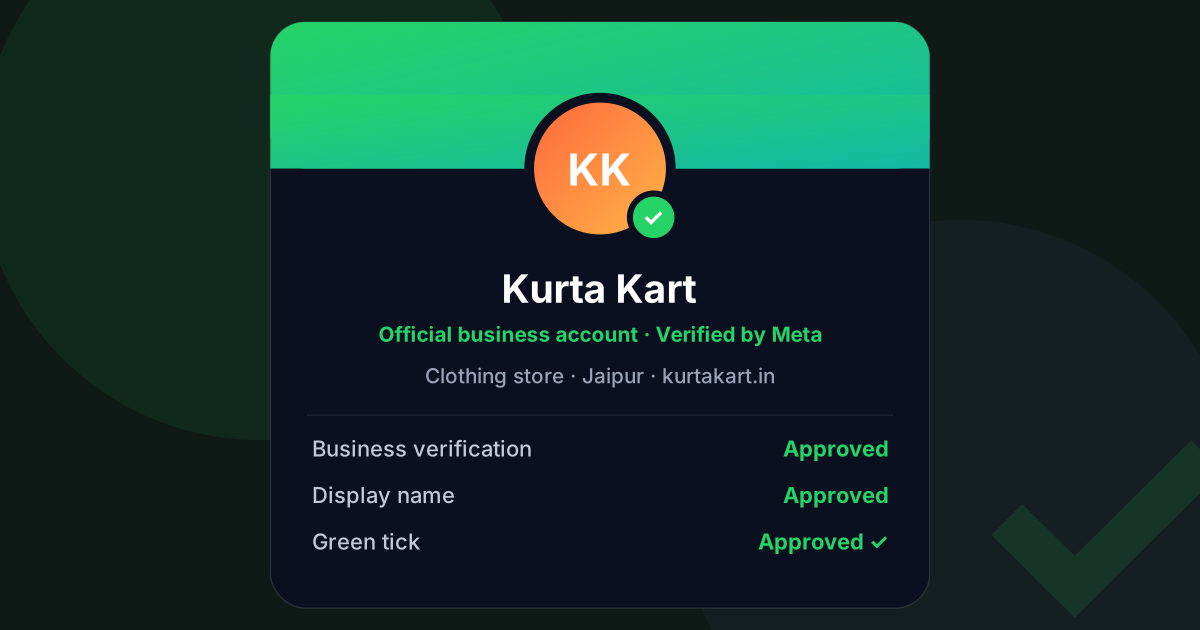
The green tick next to your business name on WhatsApp is the most requested feature we hear about during onboarding, and the most misunderstood. This guide covers what it is, what it is not, and the steps that actually get businesses approved.
First, what the green tick is not
- It is not required to go live. You can message customers, run chatbots and send campaigns from day one without it.
- It does not improve delivery or pricing. Meta charges a verified business exactly the same per message.
- It does not come from your software provider. Meta reviews and grants it. A provider can help you prepare and submit, but nobody can guarantee the outcome.
What it does do is show customers that Meta has confirmed your business is who it says it is, and it lets your display name appear even for people who have not saved your number. For a brand that runs ads or sells to strangers, that is worth having.
Step 0: Business verification comes first
Most rejections happen because this step was skipped. Before you apply for the green tick, your Meta Business portfolio must be verified. You will need:
- Your legal business name exactly as it appears on your registration (Certificate of Incorporation, GST certificate or Udyam certificate)
- A registered address that matches that document
- A business phone number, or a business email on your own domain
- A website or public business page that shows the same name and address
Business verification usually takes a few business days. Until it shows "Verified", do not submit for the green tick.
Step 1: Make your display name boring
Your WhatsApp display name must match your legal or trading name. "Kurta Kart" is fine if that is what your GST certificate or website says. "Kurta Kart ✨ Best Prices" is not. No emojis, no taglines, no all-caps, and no words like "official" unless they are in your registered name.
Step 2: Build the notability case
Meta's stated criterion for an Official Business Account is that the business is notable: it has a real presence that other people have written about. The signals that carry weight:
- Press coverage from publications you did not pay. Several articles from regional or trade press count for more than a single paid feature.
- A consistent footprint: the same name, logo and address on your website, Google Business Profile, Instagram and Facebook page.
- Age and activity. A domain registered last month and a Facebook page with no posts are both red flags.
- A clean messaging history: an account that has been active for a while with a high quality rating and few blocks.
Step 3: The two routes to a badge
- Official Business Account application — free, submitted from WhatsApp Manager once your business is verified. Still the right route for established brands with press coverage.
- Meta Verified for business — a paid monthly subscription from Meta that includes a verified badge and extra account protection. It still needs business verification, but not notability, which makes it the practical route for many newer businesses.
Either way, the badge belongs to your WhatsApp Business Account, so it stays with you if you change software providers.
Common rejection reasons and the fix
| Rejection reason | What to do |
|---|---|
| Business not verified | Complete business verification first, then reapply |
| Display name does not match | Change the display name to your registered or trading name, wait for approval, reapply |
| Not notable | Add links to independent press coverage in the application, or use the Meta Verified route |
| Policy issues on the account | Check the quality rating in WhatsApp Manager and fix the flagged templates before reapplying |
You can reapply after a rejection; nothing bad happens to your account if you are turned down.
Want help? BTAV Connect offers a done-for-you green tick application (₹1,999 one-time): our team checks your verification, display name and templates against this list and submits the application with you. Ask us from the Contact page or on WhatsApp.